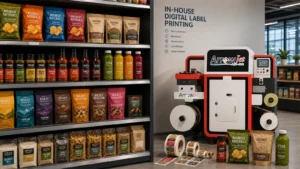
Digital label printers are most useful when a production team needs many designs, short or medium runs, variable information, and faster artwork changes. Because jobs are sent from digital files, they avoid a printing plate for every design. The tradeoff is that the owner must manage equipment, media qualification, color, maintenance, finishing, and quality.
Short runs and versioned artwork
A digital workflow can move from one approved file to another without changing a print plate. That supports product families, private-label customers, regional versions, seasonal promotions, and test launches. It also lets teams print closer to demand when forecasts are uncertain.
Arrow’s guide to printing product labels in-house describes faster control and the continuing role of outsourcing for stable, large runs or specialty processes. Many businesses use both methods rather than forcing every job into one workflow.
Variable data and controlled updates
When the software and data process are configured correctly, digital printing can vary text, numbers, barcodes, images, or codes between records. This can support serialized, batch-specific, or versioned output. The benefit comes with a strict requirement to validate the data source, mapping, readability, and record count.
Treat every change as a controlled revision. Lock approved static artwork, identify variable fields, create exception rules, and inspect samples from the beginning, middle, and end of the run. Printing unique data quickly is only valuable when the data is correct.
Inventory and response-time benefits
Producing smaller batches can reduce exposure to obsolete labels after branding, ingredients, addresses, or required content changes. In-house capacity can also remove supplier and shipping time for urgent jobs. Neither benefit is guaranteed; both depend on planning, staffing, material availability, and reliable equipment.
Measure the result using days of label inventory, emergency orders, write-offs, operator hours, usable labels per shift, and on-time production. Avoid ROI claims based only on ink cost or press speed.
Buyer and operator checklist
| Decision point | What to check | Why it matters |
|---|
| Application | Container, environment, label size, application method | Determines material and handling |
| Job mix | Quantity by SKU, revisions, peak demand | Shapes capacity and economics |
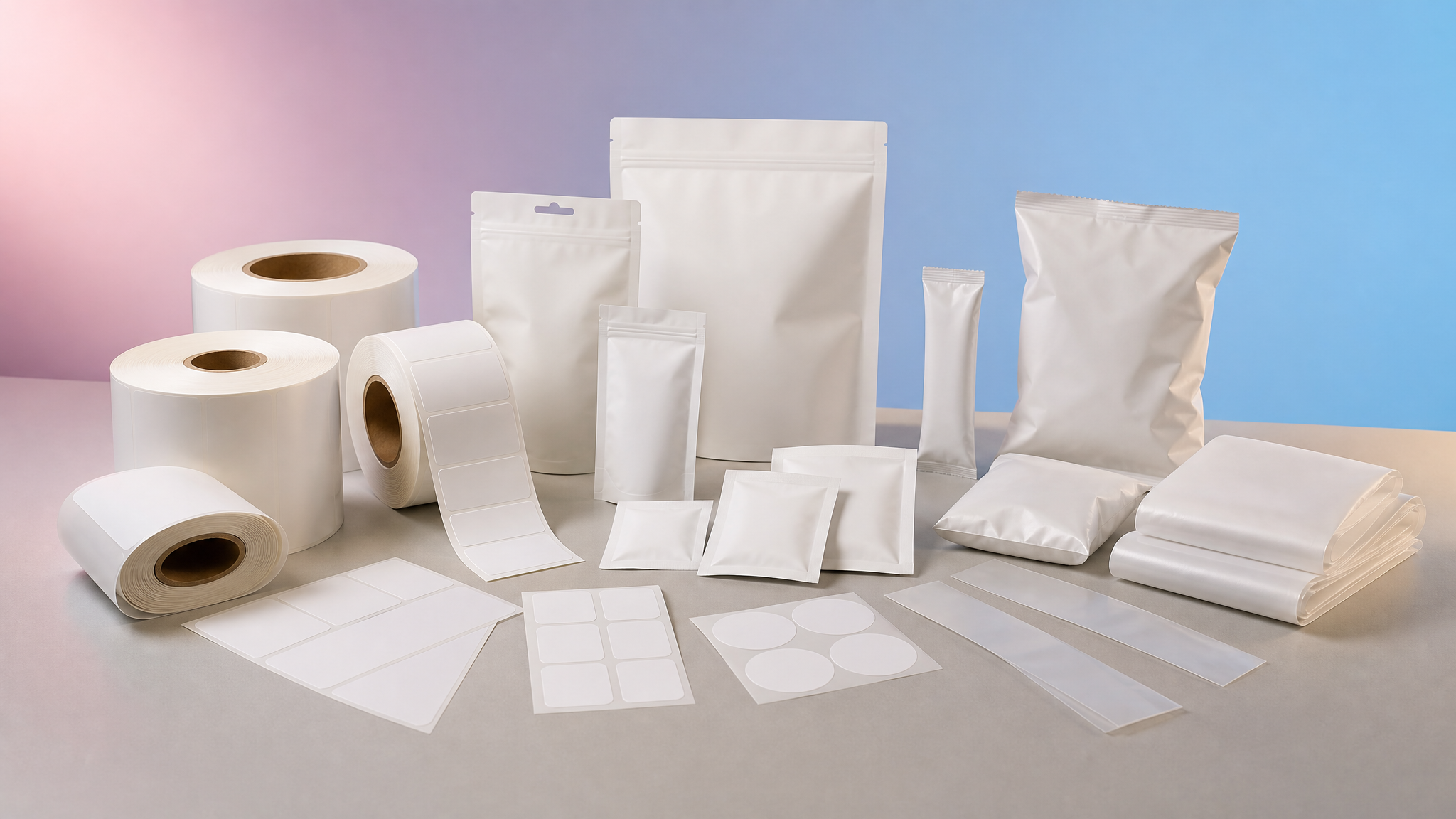
| Media | Face stock, adhesive, liner, roll format | Affects print, dispensing, and use |
| Output | Color, variable data, durability, finish | Defines acceptance testing |
Build a production-ready label specification
Start with the container and use environment, not a printer model. Record the finished label dimensions, roll orientation, core size, maximum roll diameter, unwind direction, and whether labels will be applied by hand or by an applicator. Add the expected quantity by SKU and the peak quantity, not only the monthly average.
Material selection must reflect real exposure. Paper may be suitable for dry indoor use, while films are often considered for moisture, abrasion, refrigeration, oils, or repeated handling. Adhesive choice depends on the container surface, temperature at application, service temperature, curvature, and whether removal or permanent bonding is required. Test the complete construction on the actual package.
Plan artwork, color, and data handling
Define who owns the approved artwork, how revisions are named, and which elements may change. Keep fonts, linked images, bleeds, cut paths, and spot colors under version control. Variable fields such as lot codes, dates, serial numbers, or regional text need a verified data source and a proofing step before production.
Color expectations should be established with printed samples on the intended stock. A monitor cannot predict how ink, coating, surface color, and finish will interact. Keep an approved physical reference when repeat appearance matters, and recheck output after changes to media, ink, software, or maintenance.
Validate the workflow before scaling
Run a representative pilot that includes the hardest artwork, smallest text, densest barcode if applicable, widest ink coverage, and every important material. Inspect print, drying or curing, cutting, winding, application, and performance after realistic storage and handling. A successful image at the printer is not enough if the roll will not dispense or the label fails in use.
Document settings and acceptance criteria after the test. Train more than one operator, define routine cleaning, and set aside a process for quarantining questionable output. These basic controls make on-demand production repeatable instead of dependent on one person remembering the last successful setup.
Connect printing to finishing and support
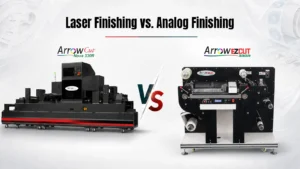
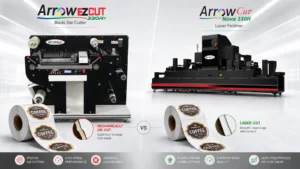
A printed web is not a finished label program. Review label finishing options when cutting, lamination, matrix removal, slitting, or rewinding is required. Confirm service coverage, operator training, spare parts, software, and material sourcing before treating a demonstration as a production plan.
Questions to answer during a supplier demonstration
Bring a written acceptance sheet to the demonstration. Ask the supplier to run your approved artwork on the intended material, at a production-relevant setting, while your team observes setup and changeover. Record usable output, waste, operator actions, cleaning, material handling, and any finishing steps. Confirm which specifications depend on optional modules, software, coatings, or facility conditions.
Before approving equipment or a new outsourced workflow, request the current written quotation, configuration, warranty, training plan, installation responsibilities, service response terms, consumable assumptions, and sample signoff. Identify who will qualify new materials and troubleshoot color, adhesion, transport, or cutting problems. A controlled demonstration answers more than a generic sample or headline specification because it tests the complete path your team expects to operate.